MCLite Install Guide: MeshCore Firmware for the T-Deck Plus (Game Changer)
▶ Watch on YouTube Subscribe to Dude Tested
About this video
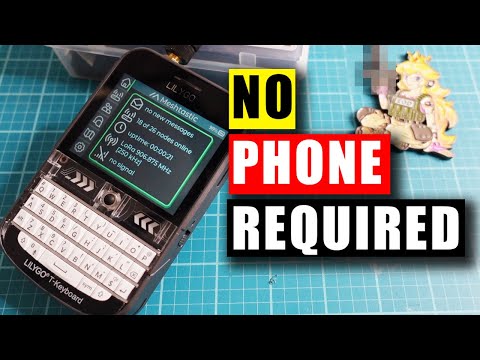
Installing MCLite on the LilyGo T-Deck Plus, the MeshCore firmware that finally makes this device worth using. Off-grid text messaging over LoRa, no internet, no cell towers, no monthly fee.
I reviewed the T-Deck Plus last year and I was both kind and rough on it. Specifically, the touchscreen, which I didn't realize was a touchscreen because It was slow, laggy, and frustrating to actually use. MCLite fixes that. This is the full install walkthrough: web flasher, config file, SD card, first messages.
🔗 MCLITE
Free and open source: github.com/laserir/MCLite
📡 MESH COMMUNITIES
Chicagoland Mesh: chicagolandmesh.org/
Cascadia Mesh: cascadiamesh.org
Other regional meshes: cascadiamesh.org/other-meshes/
🛒 GEAR
LilyGo T-Deck Plus: amzn.to/45GPUvi
⚠️ Some links above are affiliate links. I earn a small commission at no extra cost to you — it helps keep the channel going. MCLite itself is free and open source, and I'm not affiliated with the developer.